> ## Documentation Index
> Fetch the complete documentation index at: https://docs.bubblav.com/llms.txt
> Use this file to discover all available pages before exploring further.
# Overview
> Connect BubblaV with your other tools
Make your chatbot smarter and more useful by connecting it to the tools you already use.
BubblaV connects to 30+ tools natively — more than most rivals — and you can extend it without code using Custom Tools (any REST API), Zapier (7,000+ apps), or any MCP server. It is also the only chatbot you can manage from inside ChatGPT, Claude, and Cursor via its built-in MCP server.
## Types of Integrations
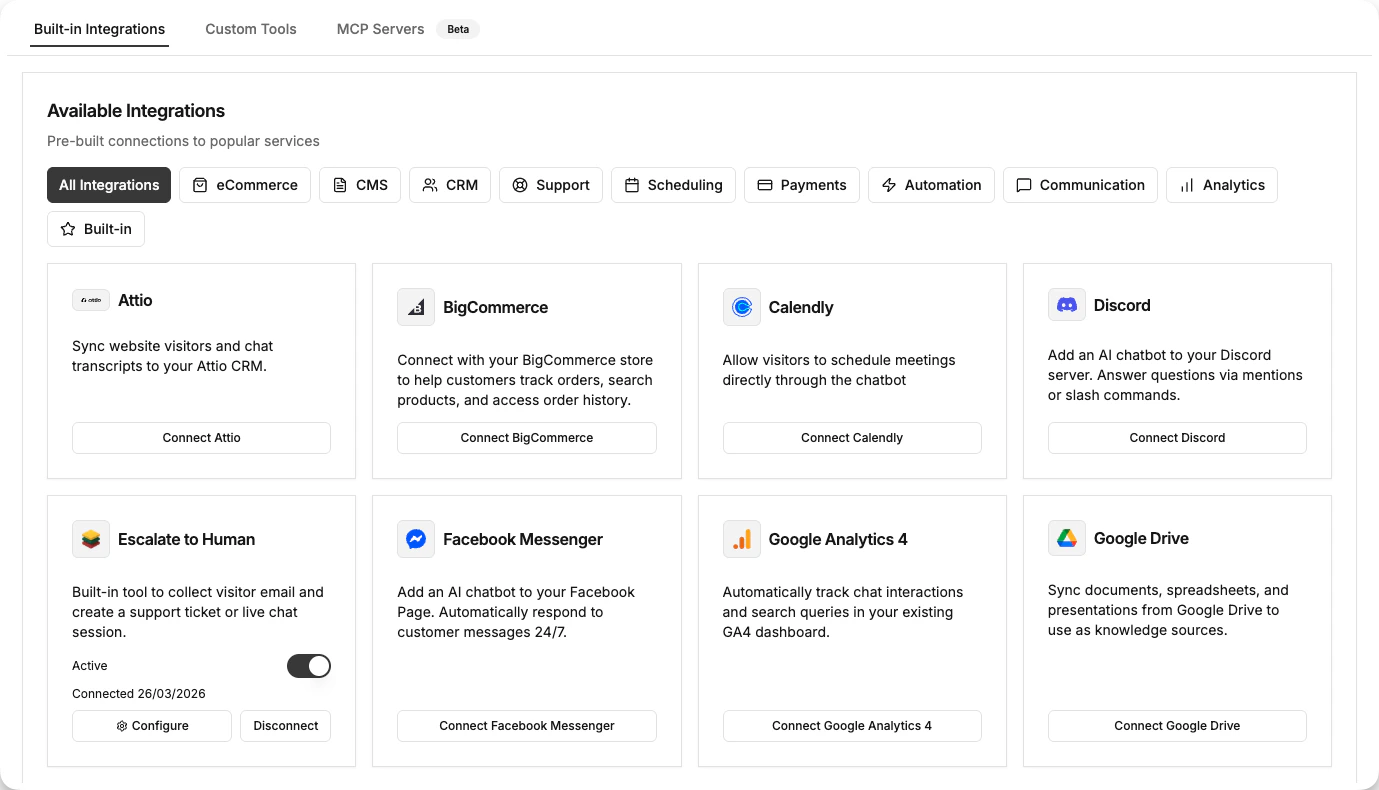
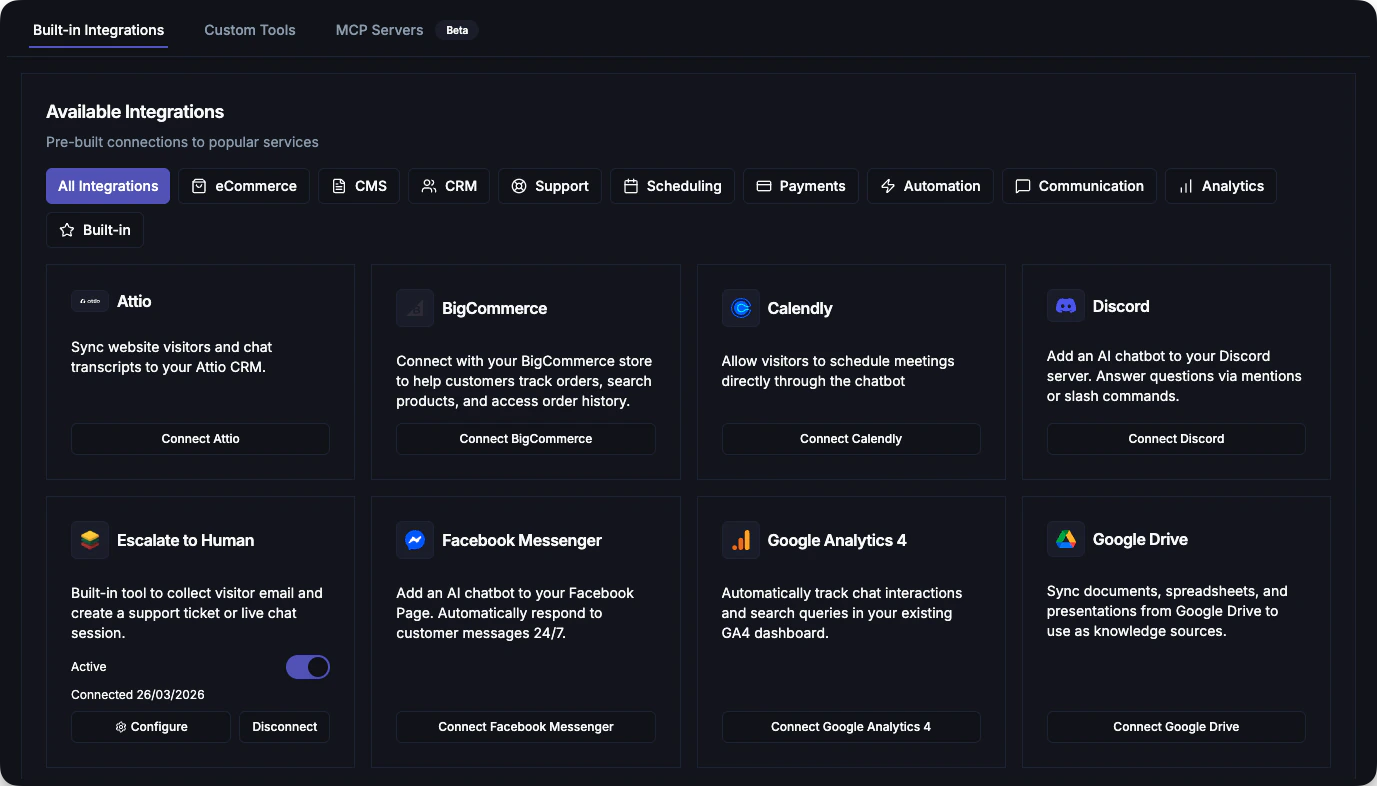
### Built-in Integrations
Ready-made connections to popular platforms with OAuth setup and pre-configured tools.
 ### Custom Tools
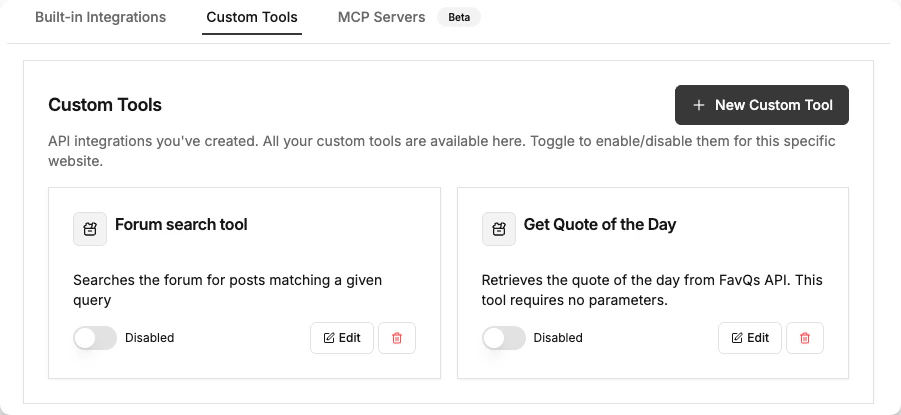
Create your own actions for the bot to perform by connecting to any REST API.
* "Check order status"
* "Reset password"
* "Look up shipping API"
### Custom Tools
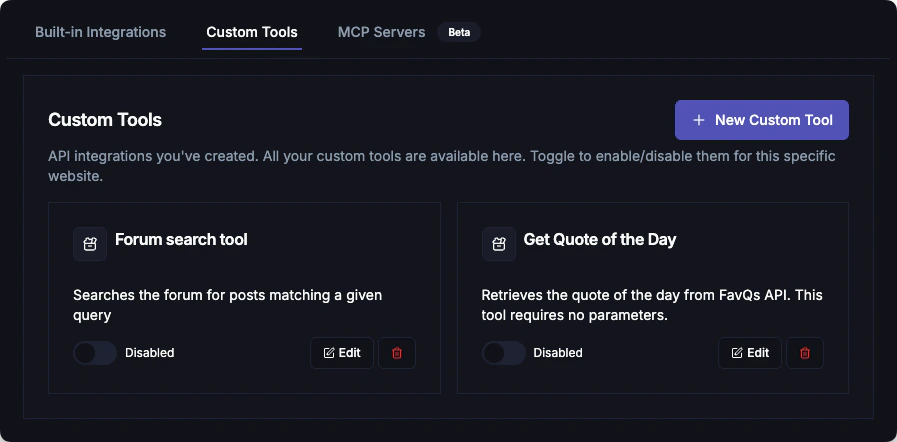
Create your own actions for the bot to perform by connecting to any REST API.
* "Check order status"
* "Reset password"
* "Look up shipping API"
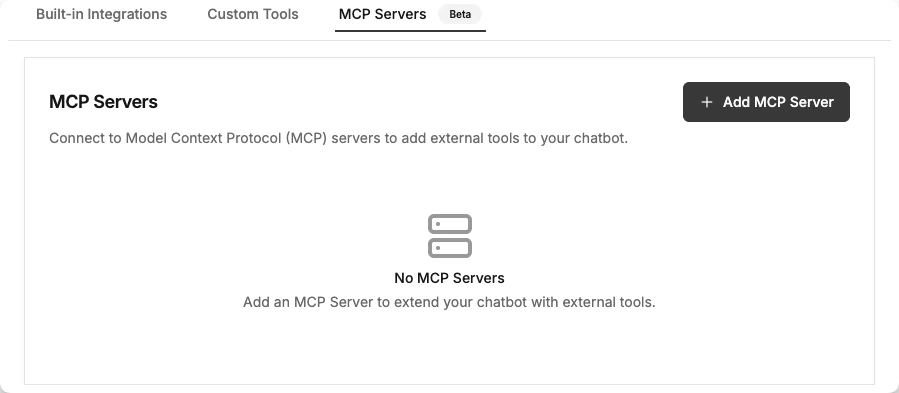
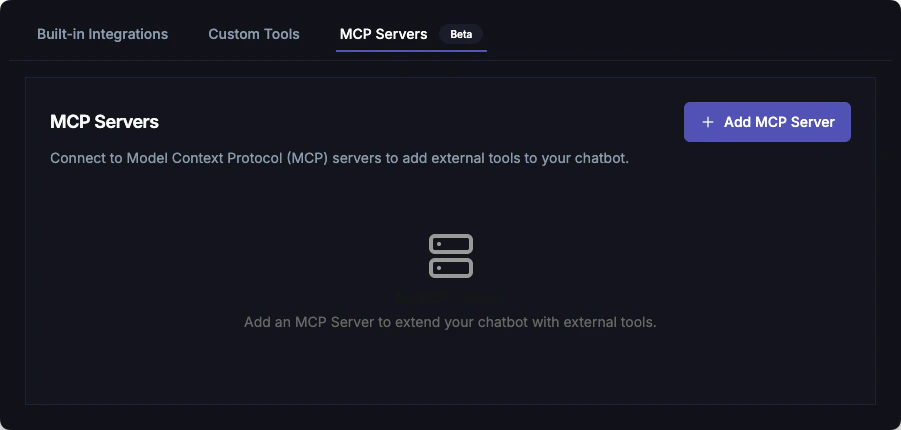
 ### MCP Servers
Connect to Model Context Protocol (MCP) servers to extend capabilities with standardized protocols.
### MCP Servers
Connect to Model Context Protocol (MCP) servers to extend capabilities with standardized protocols.
 ***
## Available Built-in Integrations
### E-commerce Platforms
Order lookups, product info, customer data
Product catalog, order status
Product search, order management
Vietnamese e-commerce platform
Payment and checkout options
### Content Management Systems
Plugin installation, content sync
Content Cloud widget installation
Headless CMS content delivery
Structured content integration
Website builder integration
### Communication Channels
Facebook Messenger conversations
Instagram DM support
Discord server assistance
Team notifications and alerts
### Customer Support & CRM
Ticket creation and sync
CRM, contacts, deals
Modern CRM integration
### Scheduling & Payments
Appointment booking
Meeting booking & lookups
Payment processing
Selling and memberships
### Automation & Knowledge
Connect 5,000+ apps
Knowledge base sync
Email subscriber capture
### Analytics
Track chatbot conversations
### AI Assistants
Connect BubblaV to ChatGPT via MCP — search knowledge, view analytics, and tune your chatbot
***
## Special Tools
Hand off conversations to live agents when needed
Enable real-time web search for up-to-date information
***
## Getting Started with Integrations
### Quick Setup (OAuth Integrations)
Most integrations use OAuth for secure, one-click setup:
Go to **Dashboard** → **Integrations** → **Browse All**
Find your platform (e.g., Shopify, HubSpot, Slack)
Click **Connect** and sign in to authorize
Enable specific tools you want the AI to use
### Custom Setup (API Key or Manual)
Some integrations require manual configuration:
Visit your platform's developer settings
Paste API key or webhook URL
Verify the integration works
***
## Integration Features
### What Integrations Enable
When you connect an integration, your chatbot gains new abilities:
* **Look up information**: Check orders, find products, retrieve customer data
* **Perform actions**: Create tickets, book appointments, send notifications
* **Sync data**: Keep conversations in your CRM, track in analytics
* **Multi-channel**: Respond on Messenger, Instagram, Discord, Slack
### Tool Configuration
Each integration exposes specific **tools** that the AI can use:
* **Tool Name**: Technical identifier (e.g., `get_order_status`)
* **Description**: Tells the AI when to use this tool
* **Parameters**: What data the tool needs
* **Response**: What data the tool returns
Tools are powered by your connected integrations. When a customer asks a relevant question, the AI automatically calls the appropriate tool and uses the response to answer.
***
## Security & Privacy
All integrations follow security best practices:
* **OAuth 2.0**: Secure authorization without sharing passwords
* **API Key Storage**: Encrypted at rest and in transit
* **HMAC Signatures**: Request verification for custom tools
* **Data Minimization**: Only access data needed for the conversation
Only connect integrations from trusted sources. Review what permissions each integration requests.
***
## Next Steps
Build your own API integrations
Connect to Model Context Protocol servers
***
## Available Built-in Integrations
### E-commerce Platforms
Order lookups, product info, customer data
Product catalog, order status
Product search, order management
Vietnamese e-commerce platform
Payment and checkout options
### Content Management Systems
Plugin installation, content sync
Content Cloud widget installation
Headless CMS content delivery
Structured content integration
Website builder integration
### Communication Channels
Facebook Messenger conversations
Instagram DM support
Discord server assistance
Team notifications and alerts
### Customer Support & CRM
Ticket creation and sync
CRM, contacts, deals
Modern CRM integration
### Scheduling & Payments
Appointment booking
Meeting booking & lookups
Payment processing
Selling and memberships
### Automation & Knowledge
Connect 5,000+ apps
Knowledge base sync
Email subscriber capture
### Analytics
Track chatbot conversations
### AI Assistants
Connect BubblaV to ChatGPT via MCP — search knowledge, view analytics, and tune your chatbot
***
## Special Tools
Hand off conversations to live agents when needed
Enable real-time web search for up-to-date information
***
## Getting Started with Integrations
### Quick Setup (OAuth Integrations)
Most integrations use OAuth for secure, one-click setup:
Go to **Dashboard** → **Integrations** → **Browse All**
Find your platform (e.g., Shopify, HubSpot, Slack)
Click **Connect** and sign in to authorize
Enable specific tools you want the AI to use
### Custom Setup (API Key or Manual)
Some integrations require manual configuration:
Visit your platform's developer settings
Paste API key or webhook URL
Verify the integration works
***
## Integration Features
### What Integrations Enable
When you connect an integration, your chatbot gains new abilities:
* **Look up information**: Check orders, find products, retrieve customer data
* **Perform actions**: Create tickets, book appointments, send notifications
* **Sync data**: Keep conversations in your CRM, track in analytics
* **Multi-channel**: Respond on Messenger, Instagram, Discord, Slack
### Tool Configuration
Each integration exposes specific **tools** that the AI can use:
* **Tool Name**: Technical identifier (e.g., `get_order_status`)
* **Description**: Tells the AI when to use this tool
* **Parameters**: What data the tool needs
* **Response**: What data the tool returns
Tools are powered by your connected integrations. When a customer asks a relevant question, the AI automatically calls the appropriate tool and uses the response to answer.
***
## Security & Privacy
All integrations follow security best practices:
* **OAuth 2.0**: Secure authorization without sharing passwords
* **API Key Storage**: Encrypted at rest and in transit
* **HMAC Signatures**: Request verification for custom tools
* **Data Minimization**: Only access data needed for the conversation
Only connect integrations from trusted sources. Review what permissions each integration requests.
***
## Next Steps
Build your own API integrations
Connect to Model Context Protocol servers