
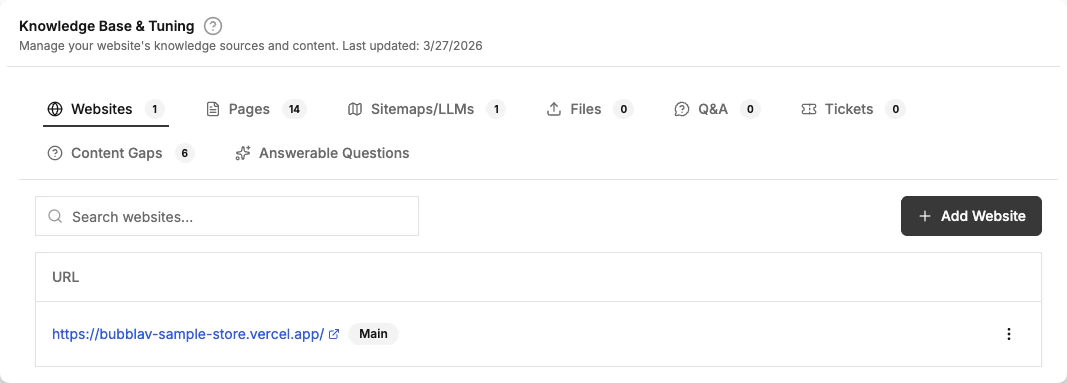
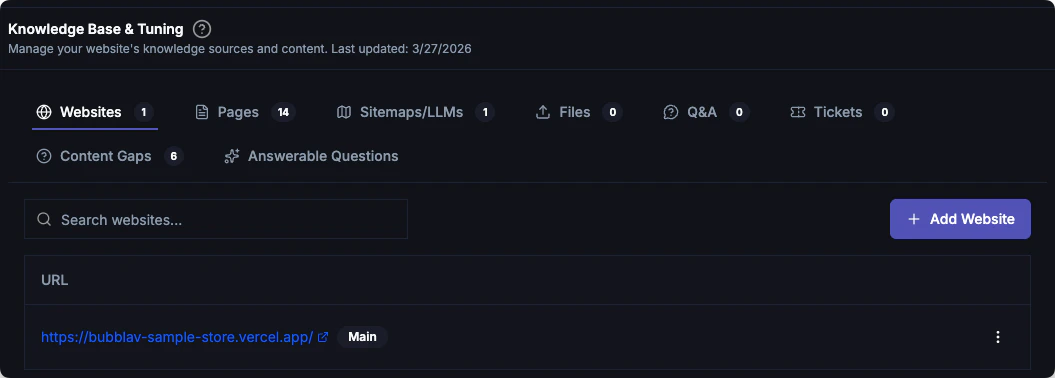
Content Gaps
Content Gaps automatically analyzes customer conversations to find questions that your AI couldn’t answer confidently or that received poor feedback from users.What is a Content Gap?
A content gap occurs when a customer asks something relevant to your business, but the AI doesn’t have the necessary information in its knowledge base to provide a confident answer. BubblaV identifies these gaps by monitoring:- Low Confidence Answers: When the AI’s search doesn’t find a strong match.
- Negative Feedback: When a user clicks “Thumbs Down” on a response.
- Unanswered Queries: When the AI explicitly states it doesn’t know the answer.
Content Gaps analysis is a Pro plan feature.
Finding Your Content Gaps
You can view content gaps in two places:- Dashboard Widget: A quick overview of the top unanswered questions appears on your main website dashboard.
- Insights Tab: Go to Knowledge → Insights → Content Gaps for a full, searchable list of missing information.
Fixing Gaps with Q&A
The most effective way to close a content gap is to add a specific Q&A pair.1
Review the Question
Look at the unanswered questions list. They are sorted by frequency, so you can focus on the most common issues.
2
Add Q&A
Click the Add Q&A button next to any unanswered question. This opens a pre-filled dialog with the question already entered.
3
Provide the Answer
Write a clear, accurate response.
4
Save
Once saved, the question is moved into your Q&A library and the gap is closed.
Why it matters
Identifying content gaps allows you to:- Improve Accuracy: Every Q&A pair you add makes your bot smarter.
- Understand Customers: See exactly what your users are looking for but not finding.
- Prioritize Documentation: Use frequency data to decide what to document on your actual website.
Let the bot learn these automatically
You don’t have to close every gap by hand. With Self-Learning, BubblaV drafts Q&A entries from the very conversations that produced these gaps — agent replies on resolved chats, bot recoveries, and thumbs-down threads — and queues them for your review in Knowledge → Q&A. See Self-Learning.Answerable Questions
The Answerable Questions sub-tab (under Knowledge → Insights) shows AI-generated questions that your chatbot can confidently answer based on its current knowledge base. This helps you:- Verify coverage: Confirm your bot handles the topics you expect
- Identify gaps: If an expected question is missing, you may need to add more content
- Demo readiness: Use the list to demonstrate what your bot can handle
Next Steps
Q&A
Manage your manually added questions and answers.
Human Handoff
Route specific questions to human agents.