
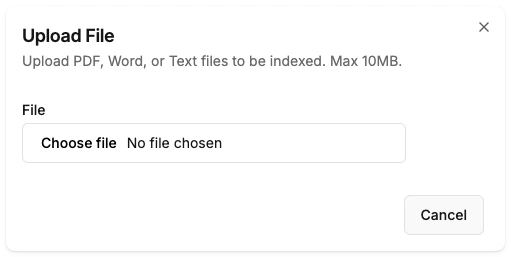
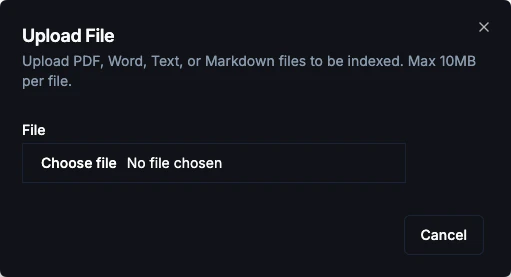
Supported Formats
Upload Limits
- Maximum file size: 10 MB per file.
- Page Consumption: Each uploaded file counts as 1 “page” towards your plan’s total page limit.
How to Upload
1
Navigate to Files
Go to Dashboard → Knowledge → Files
2
Select Files
Click Upload Files or drag and drop files directly into the dashboard.
3
Processing
BubblaV will automatically extract text, split it into chunks, and create embeddings for search.
4
Ready
Once the status changes to Processed, the content is available for the AI.
Ensure your PDFs contain searchable text. Scanned images without OCR (Optical Character Recognition) cannot be read by the AI.
Managing Files
- Preview: Click on a file name to see a preview of the extracted text.
- Delete: Remove files at any time to reclaim page limit capacity.
- Available to: Mark a file Copilot only to hide it from your visitor-facing AI Agent while keeping it available to your team’s Copilot — useful for internal docs that should inform your team’s replies without reaching customers.
Next Steps
Q&A
Add manually curated questions and answers.
Website Crawling
Auto-crawl your website content.